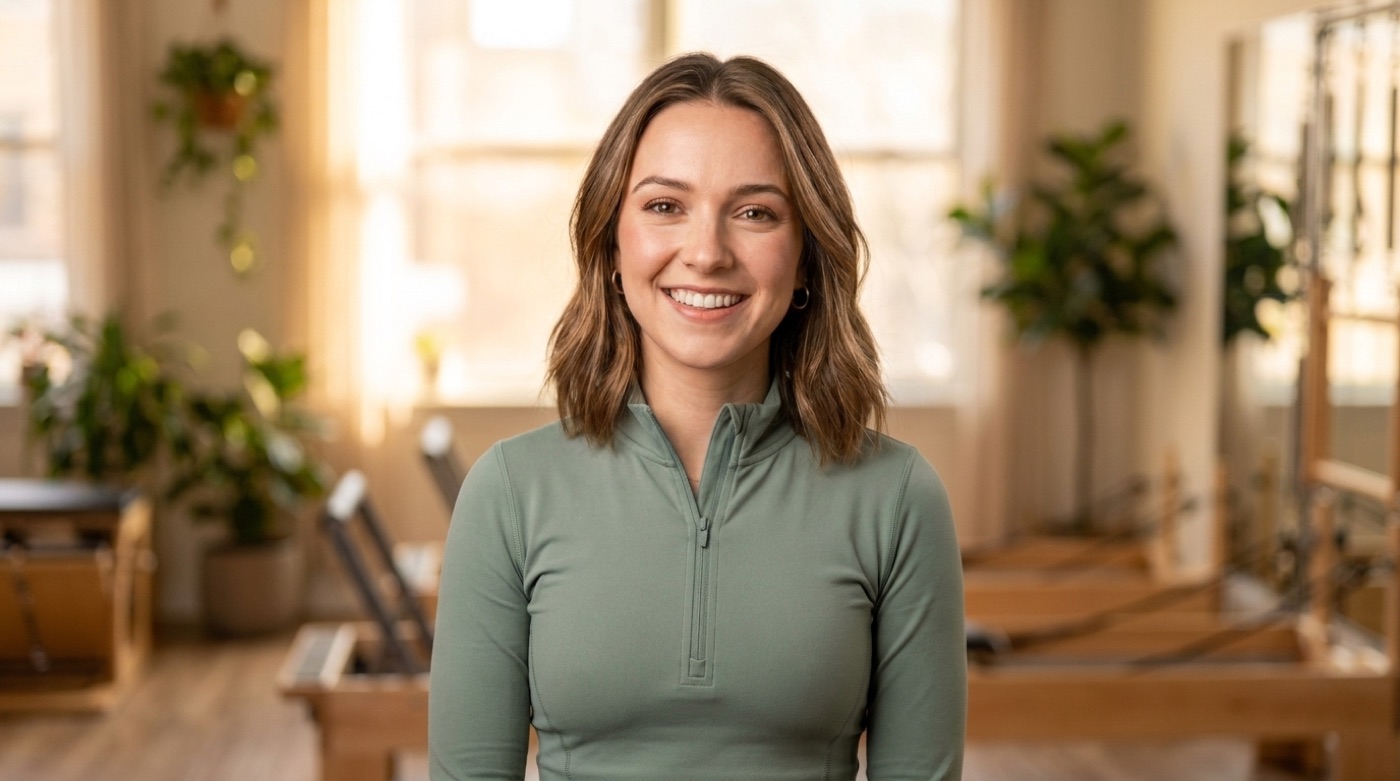
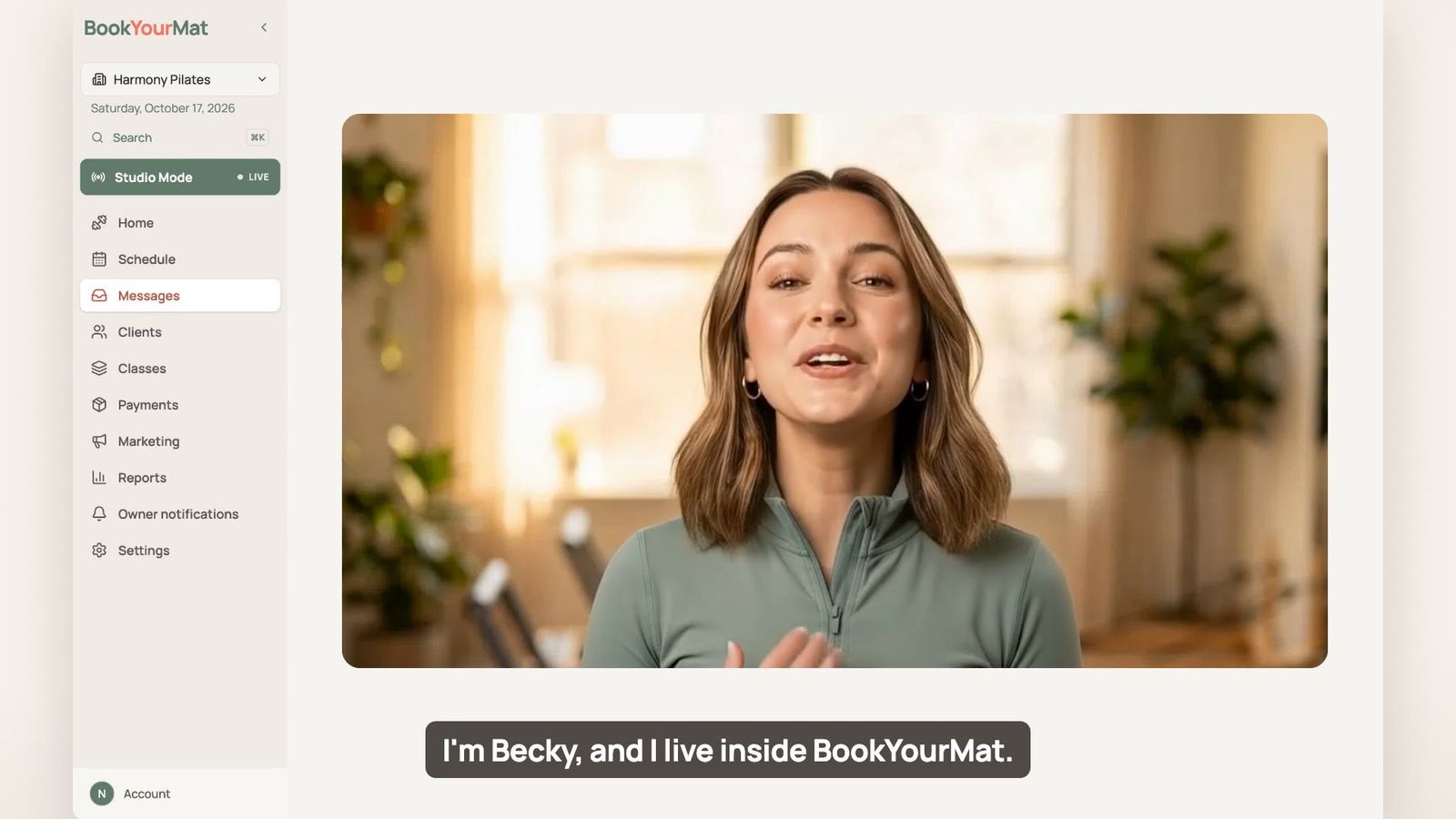
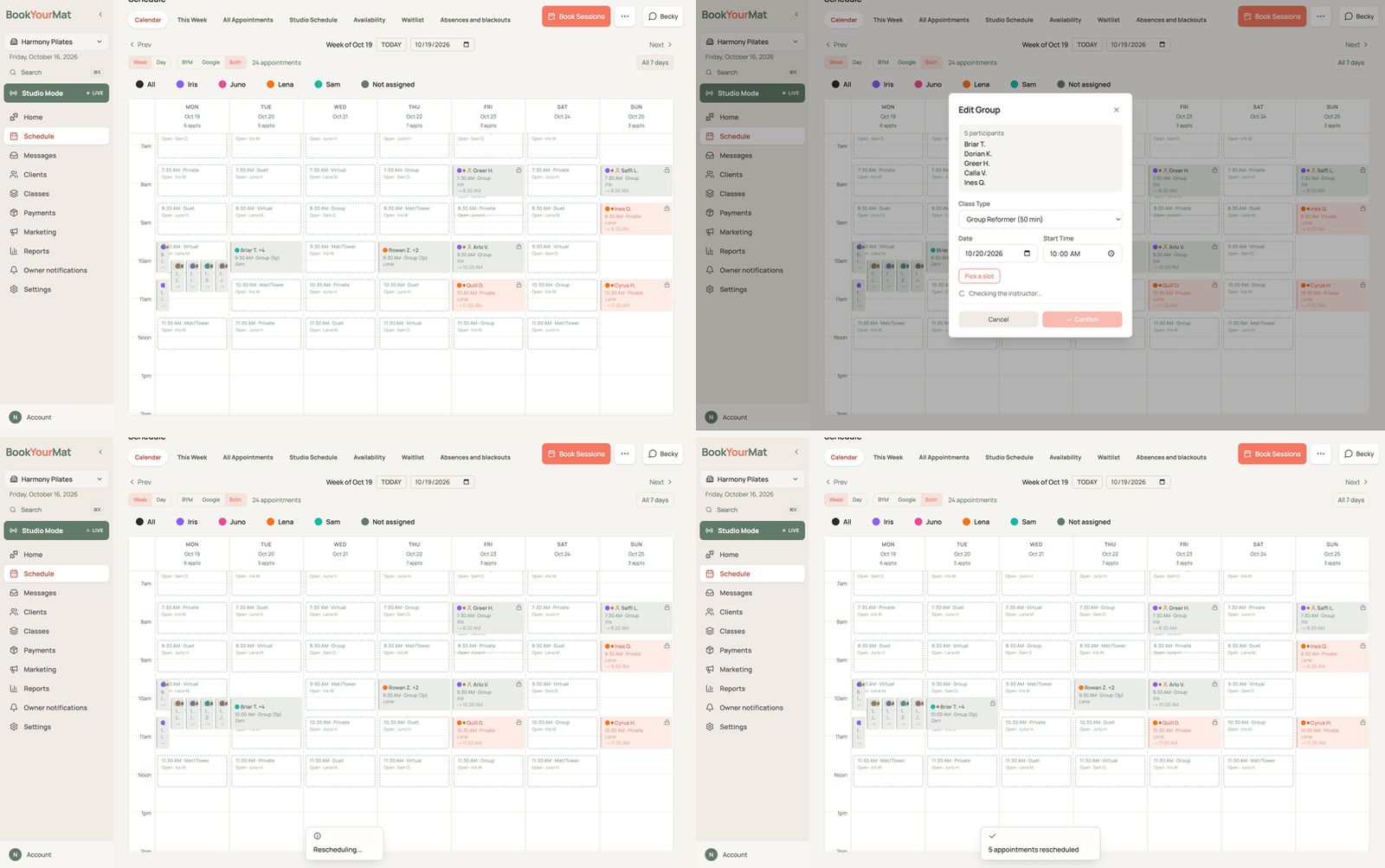
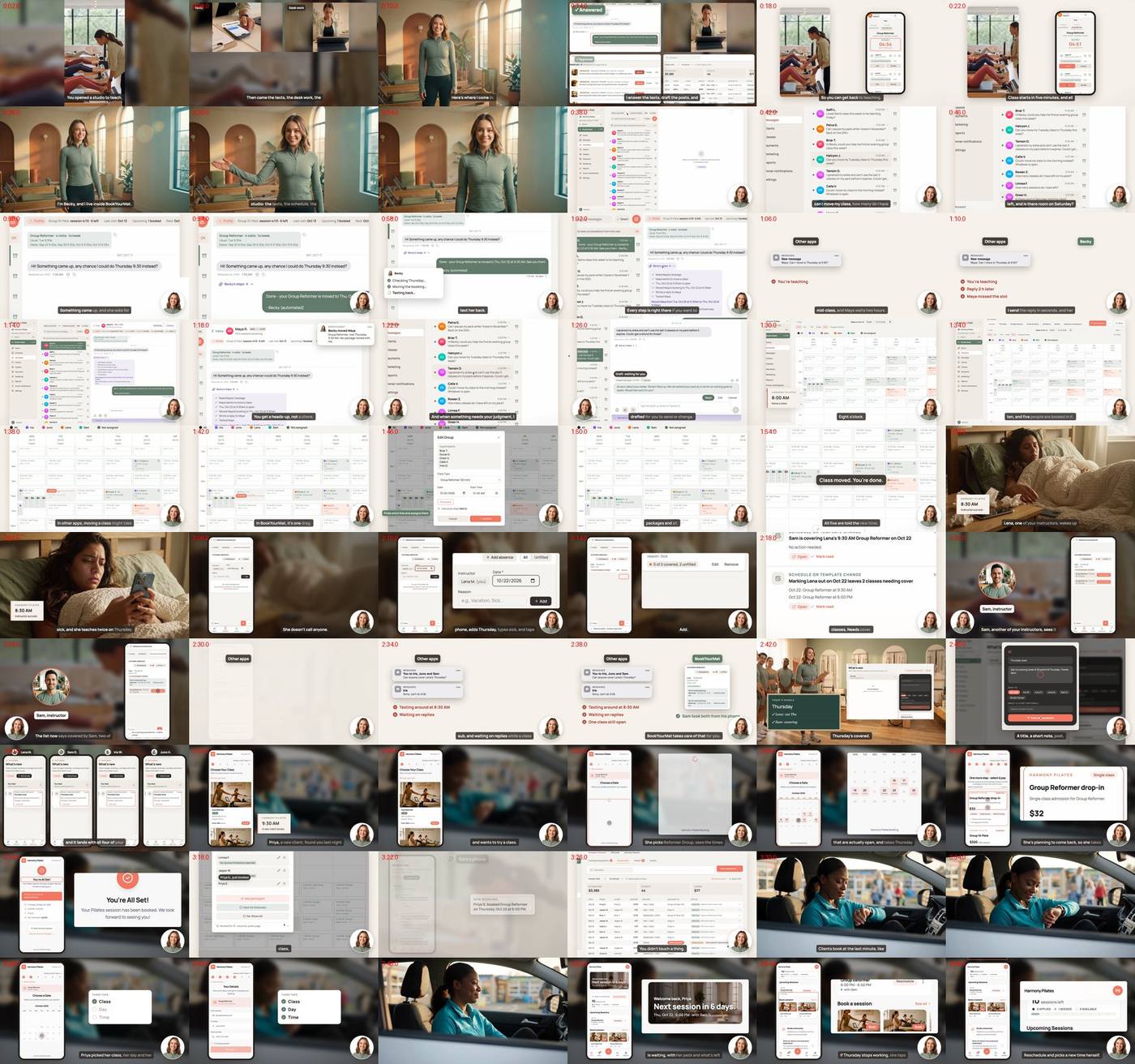
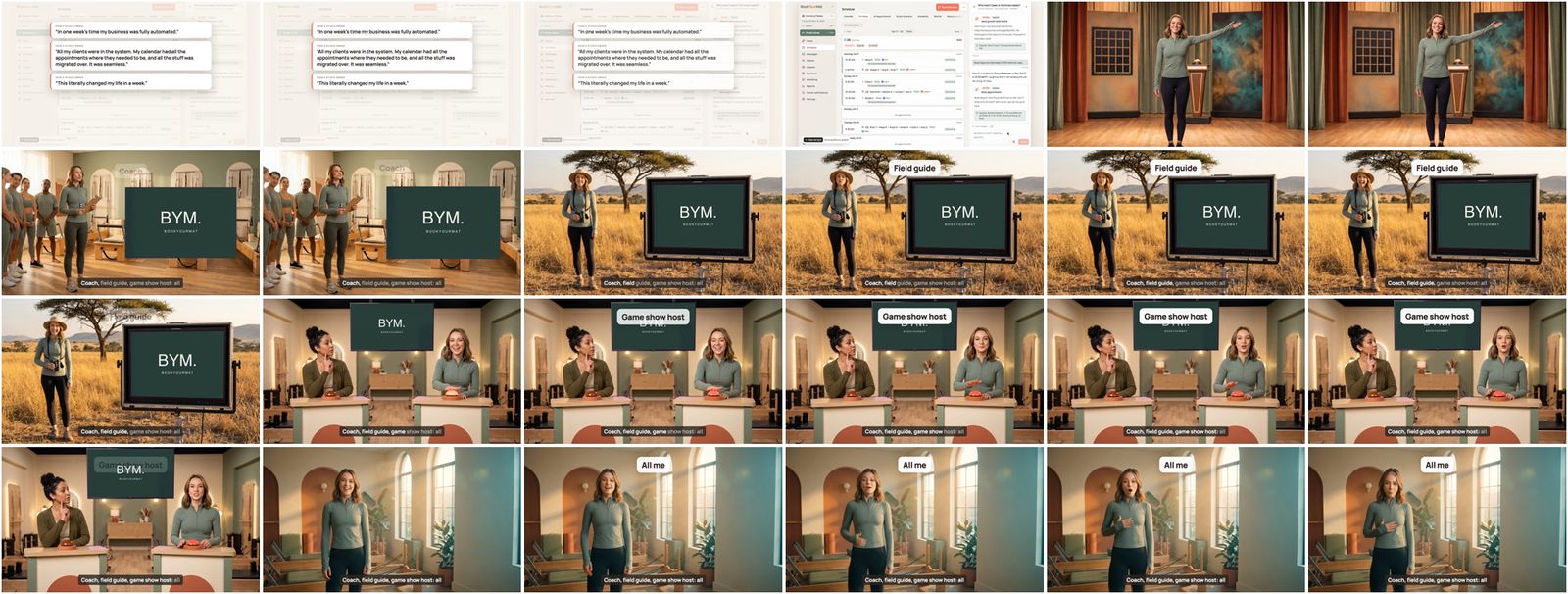
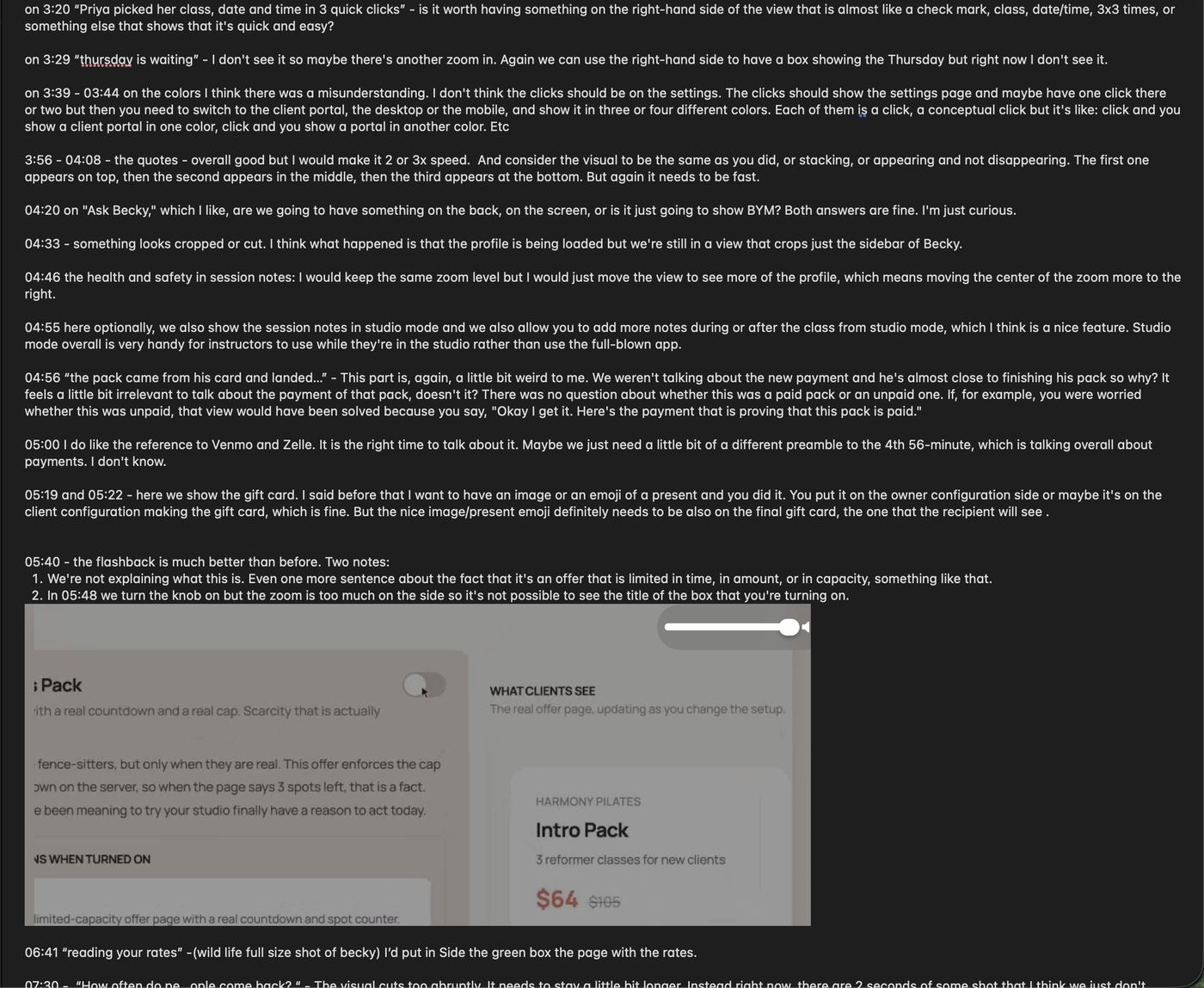
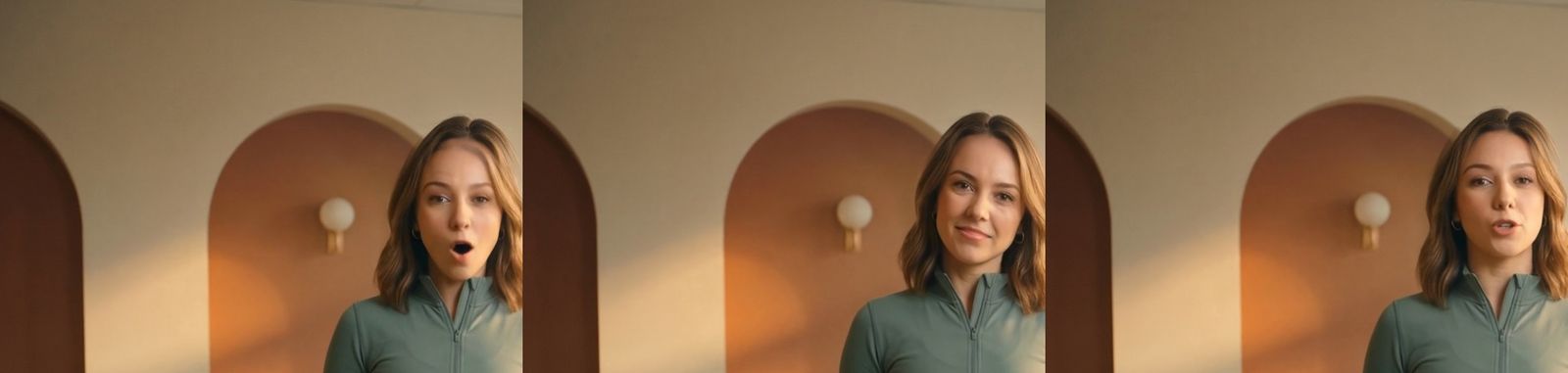
BookYourMat is software for Pilates studios. To show it off, we made a ten-minute tour hosted by Becky, its AI assistant. Becky isn't a real person. Her face, her voice and every word she mouths were made with AI. Everything she shows you on screen is the real app.
Directed by Amir Fish. Built, checked and rendered by Claude and a handful of AI services.
10:11finished length: 12 chapters, 81 shots
62shots recorded from the real app, by a robot
~1,200frames read by a machine to check for private data
~$100spent on AI services in total
Meet Becky. One portrait and one voice became about ten minutes on screen.
Ten minutes. Becky walks a studio owner through a normal week: client messages, a sick instructor, bookings, payments, gift cards and the website.
12chapters
81shots, each one narrated line plus one picture
19shots from AI video or AI pictures
~119voice lines
~8 minBecky in a corner circle
~2 minBecky full screen, in costume
2computers working at once
~70notes in one review round
Two months apart
Then (August) vs now (October)
In August we made a 15-second BookYourMat ad. In October we made this ten-minute film. Here is what changed in between: what couldn't be done in August, and what was manual then and is automatic now.
August 2026
October 2026
August
Recording the app was the weak spot
Getting an AI to drive the real app and record it on video barely worked yet.
October
A robot records a make-believe studio
Claude built a fictional studio with fictional clients, and wrote scripts that a robot browser acts out and records. The recorder itself was chosen by measurement: about 15 capture setups were tested, and the winner records at twice the resolution, with every click on screen within 81 ms of when it happened. A guard refuses to run the renaming script against anything but the local, made-up database.
August
Cut by hand in CapCut
The 15-second ad was recut by hand in a video editor.
October
The film is code
There is no editing timeline. Each chapter is a written plan. Zooms and clicks are pinned to the word Becky is saying, so the voice is the clock. A note becomes a code change, and only the chapter it touches is rendered again. The rest comes from a cache.
August
Becky never spoke on camera
She had a voice, not a face.
October
A ten-minute host from one portrait
One still picture of Becky became a host who talks for ten minutes and still looks like herself at the end. The lip-sync model was picked by testing side by side: OmniHuman first, then HeyGen Avatar 4, which won.
August
Checking meant Amir's eyes
If something was wrong, he had to spot it himself.
October
Machines check the film
A machine reads the text on about 1,200 frames to catch private data. Other checks find a frozen face, a picture that sits still too long, a click that doesn't show, and pixel differences between the two computers.
August
One laptop
Everything ran on one machine, one step at a time.
October
Two machines, three copies of the app
The Mac and a Google Cloud machine share the work. The cloud machine runs three separate copies of the app and its database side by side.
August
The ad showed the app as it was
The video followed the product.
October
The film improved the product
When a shot looked weak, the agent changed the app itself. The inbox was redesigned in the middle of the film work into a plain message list, and its shots were recorded again. Amir asked for a present on the gift card, so the certificate the recipient sees got the same bow as the purchase card.
August
Lessons lived in someone's head
Nothing carried over to the next video on its own.
October
It learns
Every note is sorted: a one-off fix, a rule for BookYourMat, a rule for any film, or a new automatic check. The rules go into a playbook, so the next film starts out better.
August
Publishing by hand
Export, upload, done.
October
Publishing is part of the job
The YouTube chapters, the /tour page on bookyourmat.com, and a thumbnail placed on the very first frame so WhatsApp previews look right.
Still human, and that's part of the story
Taste and notes. Amir watched every cut and wrote time-coded notes. Nothing shipped without his OK.
About 15 lip-sync clips, uploaded by hand. The final corner-circle takes came from ElevenLabs' lip-sync tab, which has no API.
Dragging the file into YouTube.
Section 1
Four ways to make a picture
Every second of the film comes from one of four sources. Claude ran all of them, mostly with nothing more than an API key.
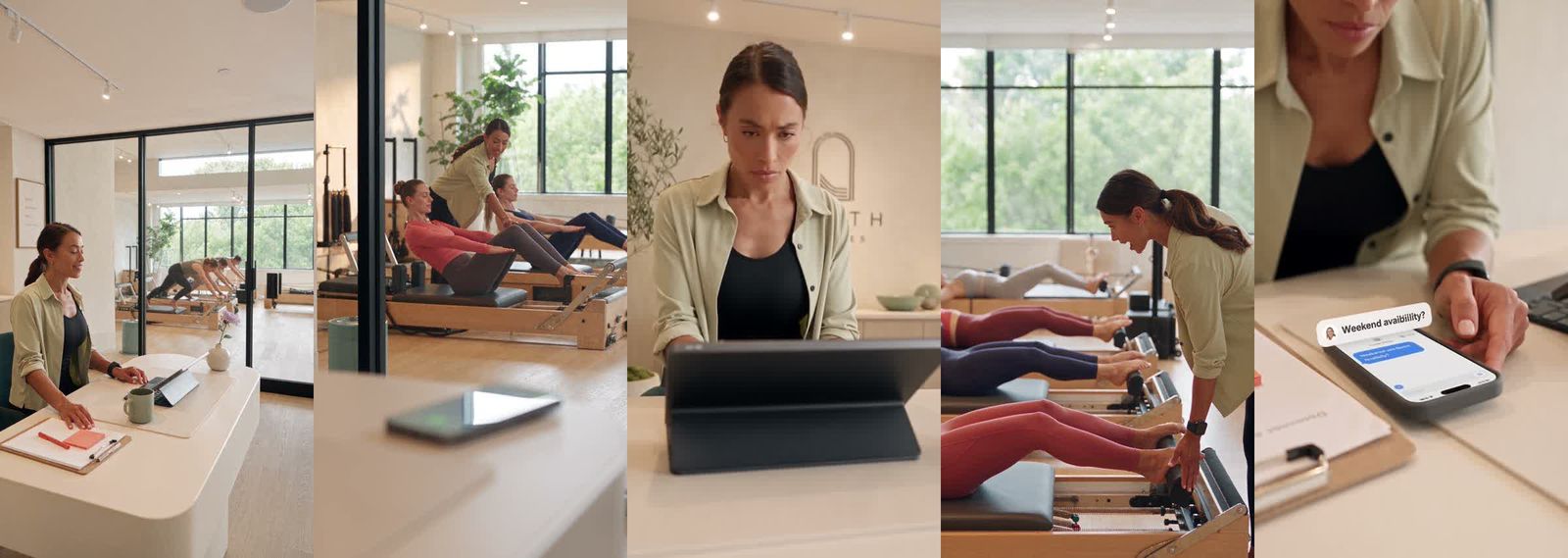
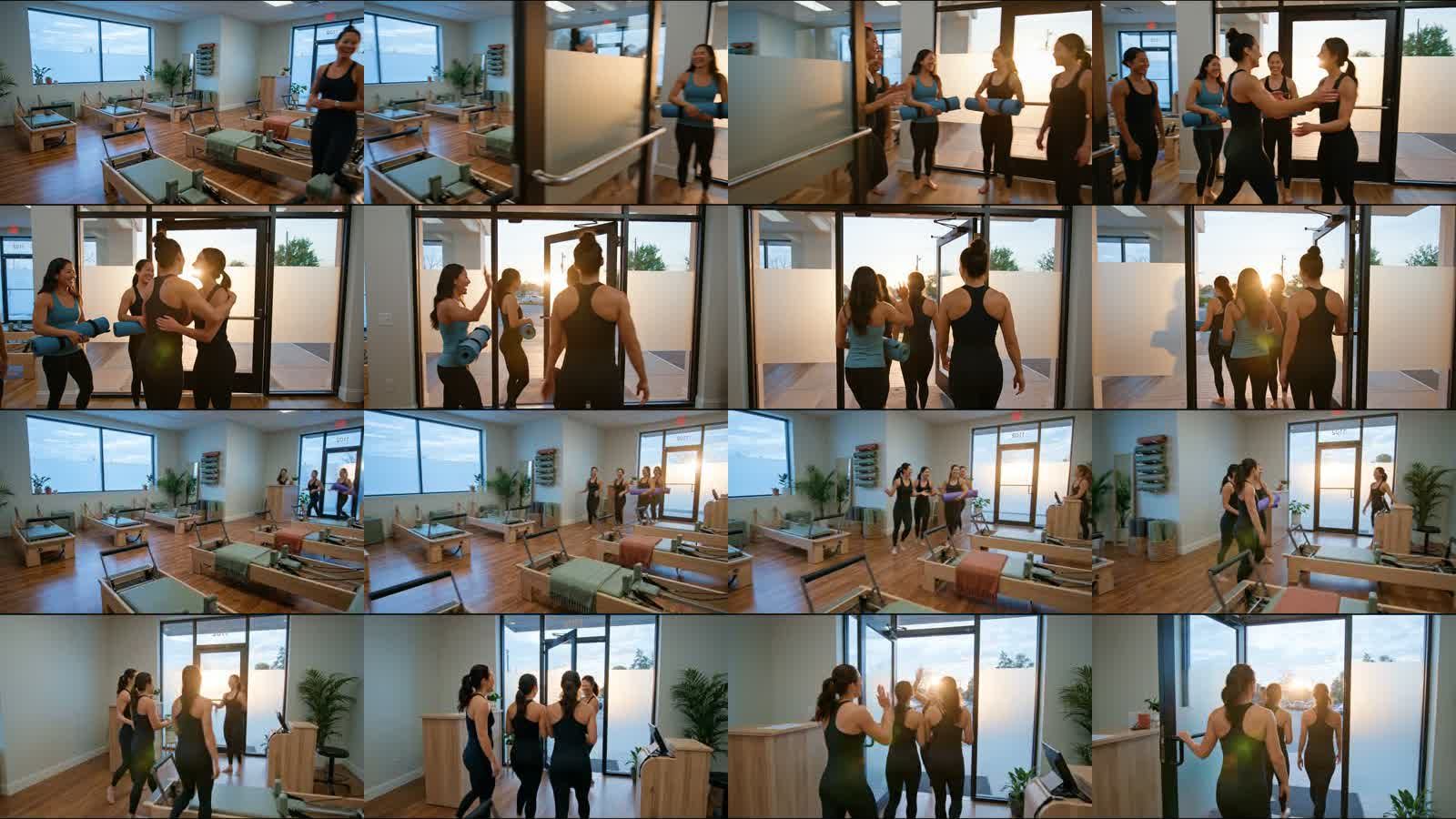
Short real-life clips were made with Google's Veo 3.1: Becky walking in, the school run in a car, the front desk, Lena the instructor sick in bed, and clients leaving class with a hug. Each clip costs about $0.65. For the hug, two takes were made and the better one kept.
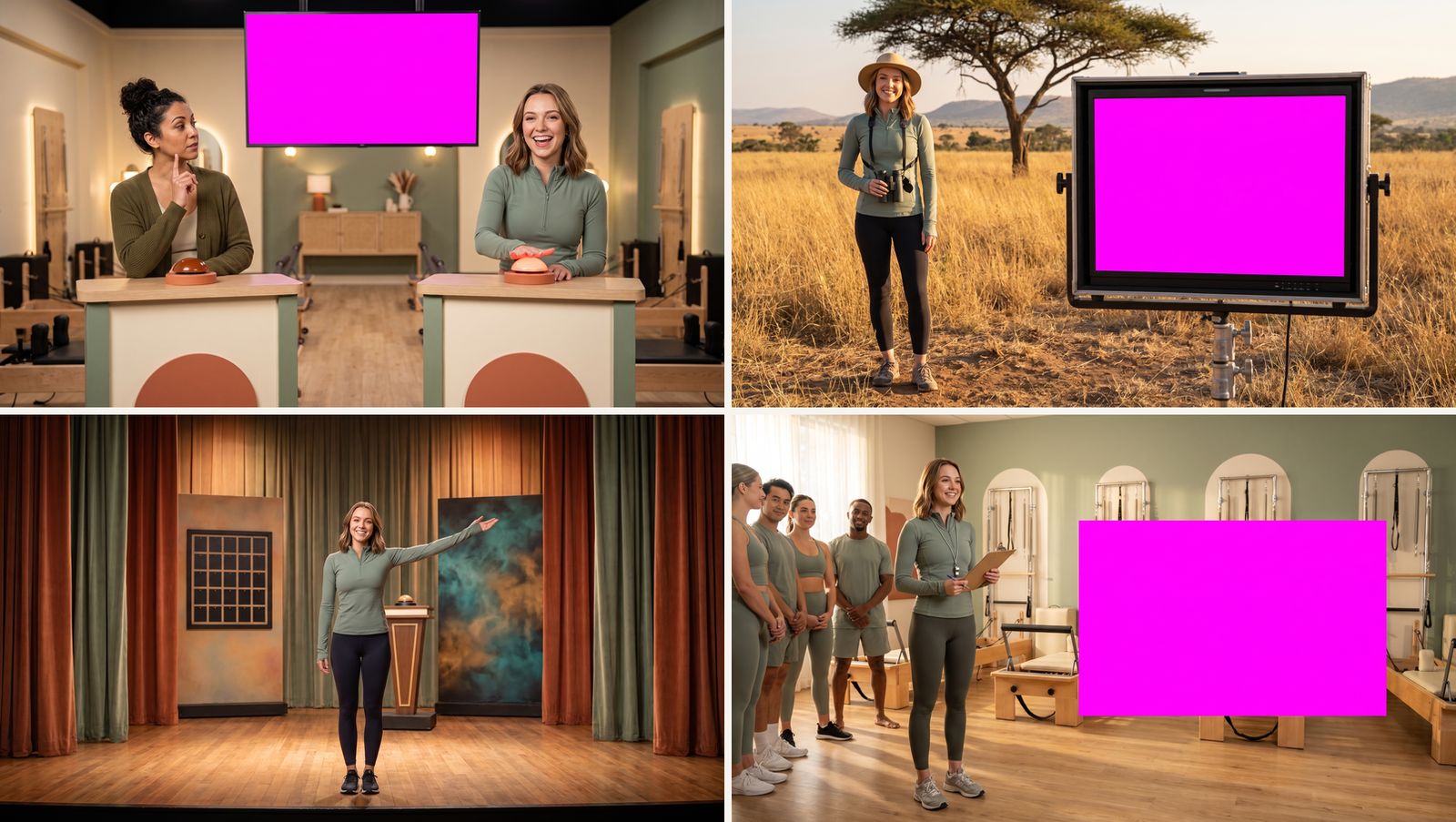
Still pictures came from Nano Banana Pro (Google's Gemini 3 Pro image model), at about $0.10 each: the costume sets and the class photos for the made-up studio.
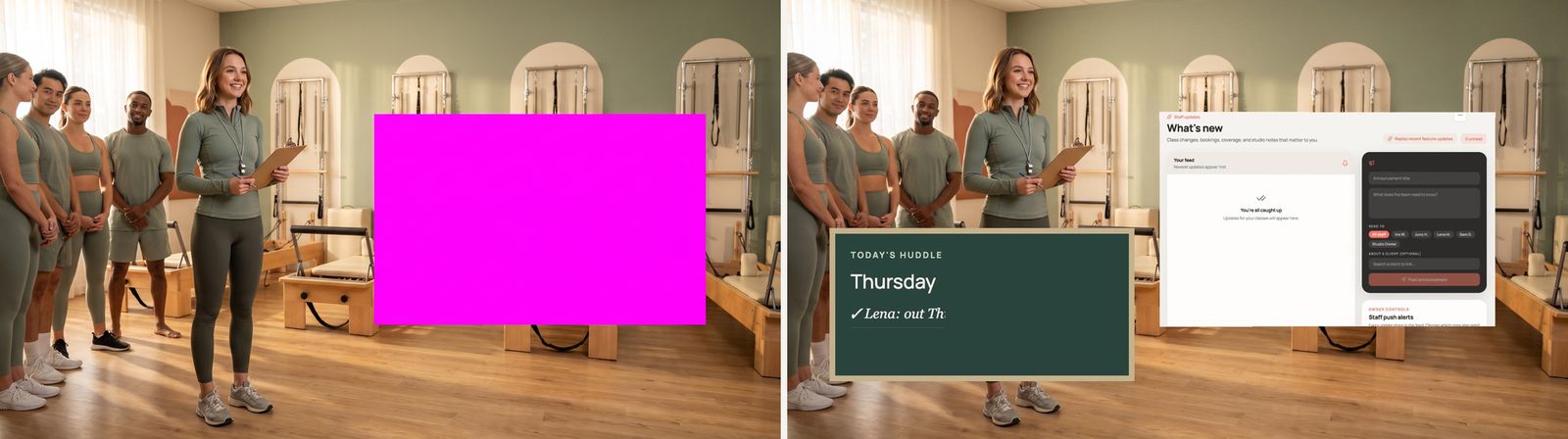
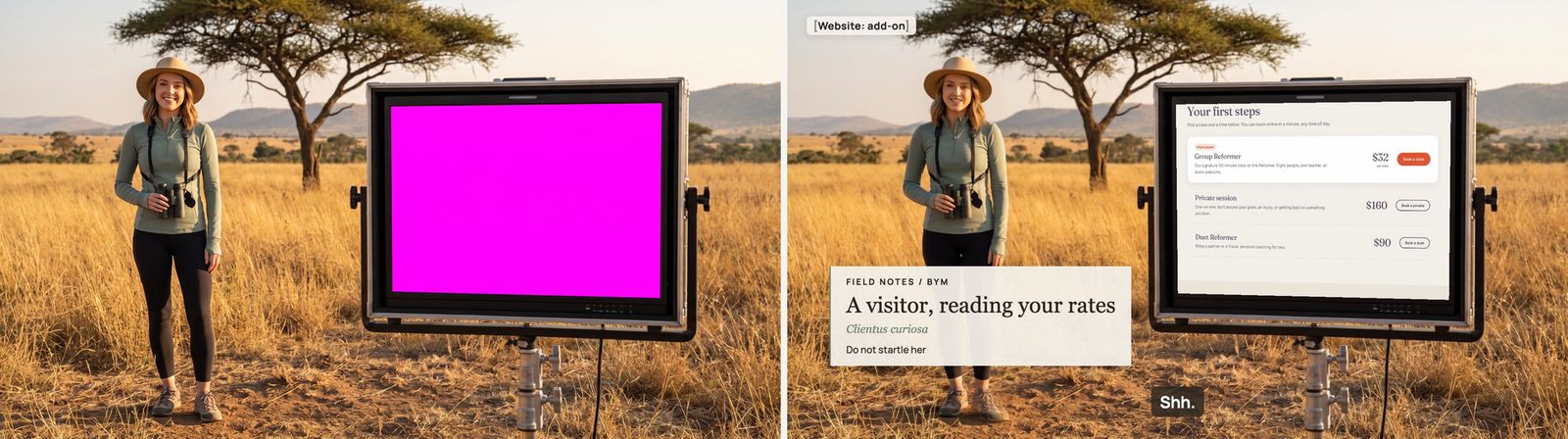
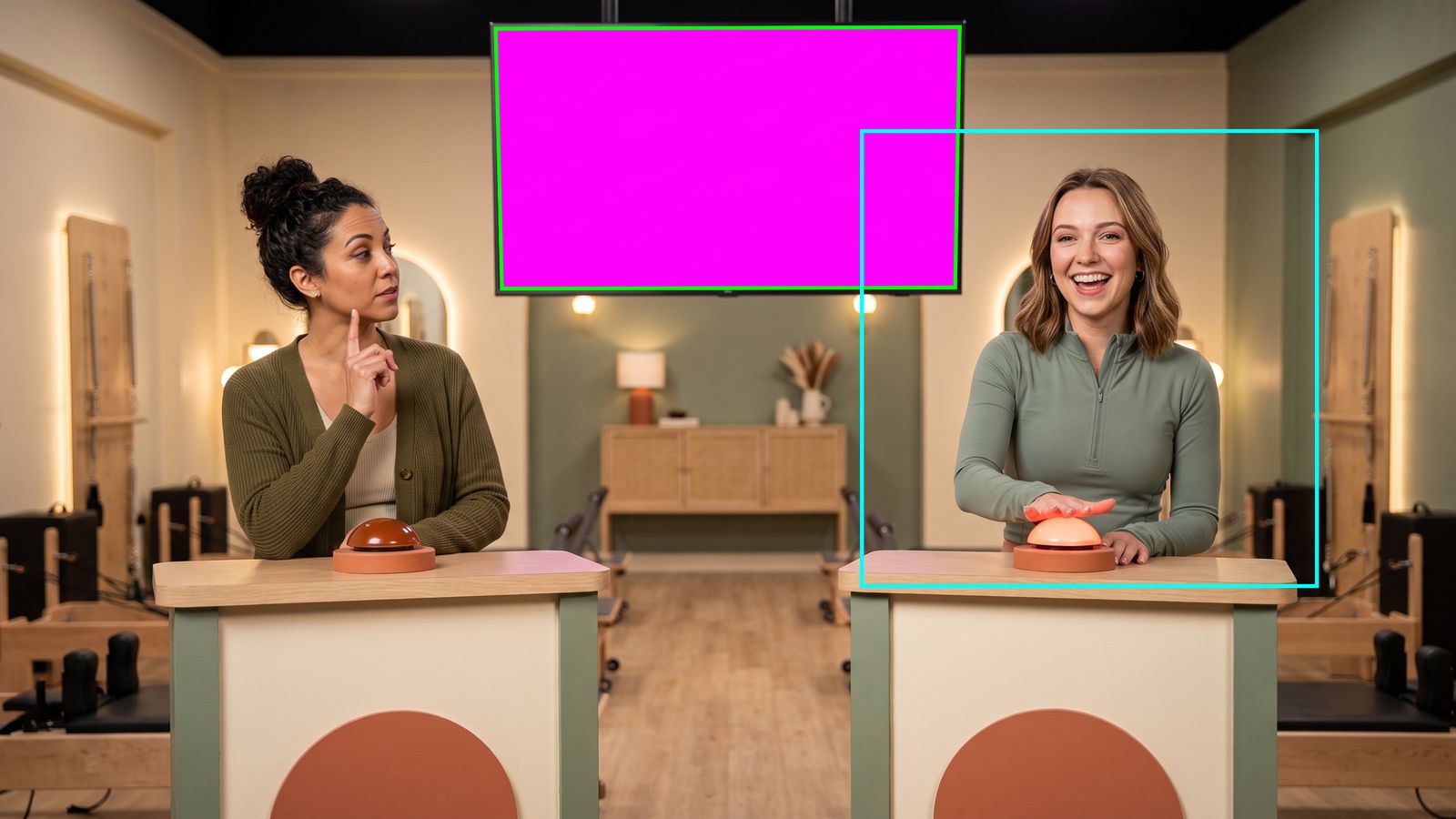
AI video clips. Stills from the Veo clips used in the film. Nobody in them is real.Two takes, one kept. The closing shot of clients leaving after class was generated twice. The better take went into the film.Everyday moments. The school run, Lena calling in sick, and Becky walking in. Each one started as a short written prompt.Costume sets from Nano Banana Pro. A game show, a nature documentary, a curtain call and a team huddle. The magenta areas are blank screens where the app gets dropped in later.
Set to film: the huddle. Left, the generated set. Right, the same set in the finished film.Set to film: the nature documentary. The blank screen now shows the real app.
The machine finds the screen. A script locates the magenta screen's four corners and where Becky's face sits, so the app and the lip-sync land in the right place.Class photos for a studio that doesn't exist. Added because the booking screens looked bare without them.
2Talking Becky
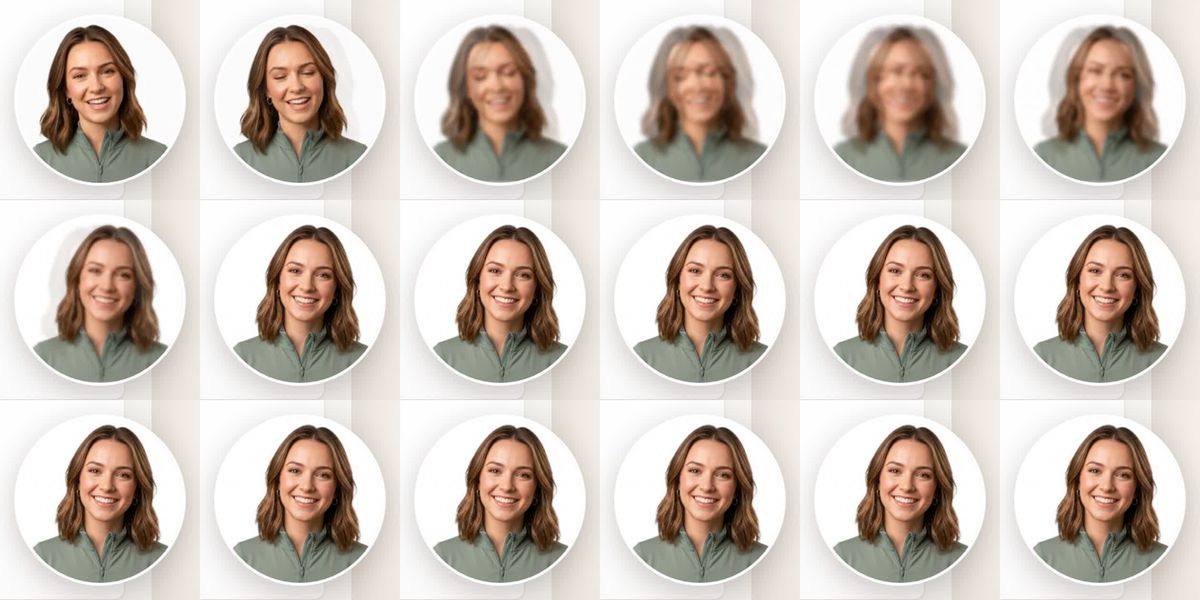
Lip-sync takes a still portrait of Becky plus one voice line and turns it into a video of her saying it. It also moves her head and her hands a little, so she looks alive.
The tool was HeyGen Avatar 4, run through fal.ai at about $0.10 per second of video. Claude ran it with just an API key. OmniHuman was tried first, but between sentences her smile dropped and her face drifted away from her portrait.
To be honest about it: the final corner-circle takes were made in ElevenLabs' lip-sync tab, which uses HeyGen Avatar 4 but has no API. Amir uploaded about 15 clips there by hand.
First try
OmniHuman
Animates a whole face from one picture. It worked, but her smile dropped between sentences and her face drifted. Over ten minutes, viewers notice. It stayed only in a few full-screen costume scenes, where it looked right.
What we used
HeyGen Avatar 4
Holds her smile between phrases, keeps her face steady, and closes her lips properly on p, b and m. Every line Becky says in the corner circle uses it.
One lip-sync clip, frame by frame. Mouth, head and hands all move, from a single still picture.
3Animation in code (Remotion)
Remotion draws video from code. It makes everything that sits on top of the app: zooms, captions, labels, Becky's circle, cards and pills. Because it is code, a change is an edit, not an hour in a timeline.
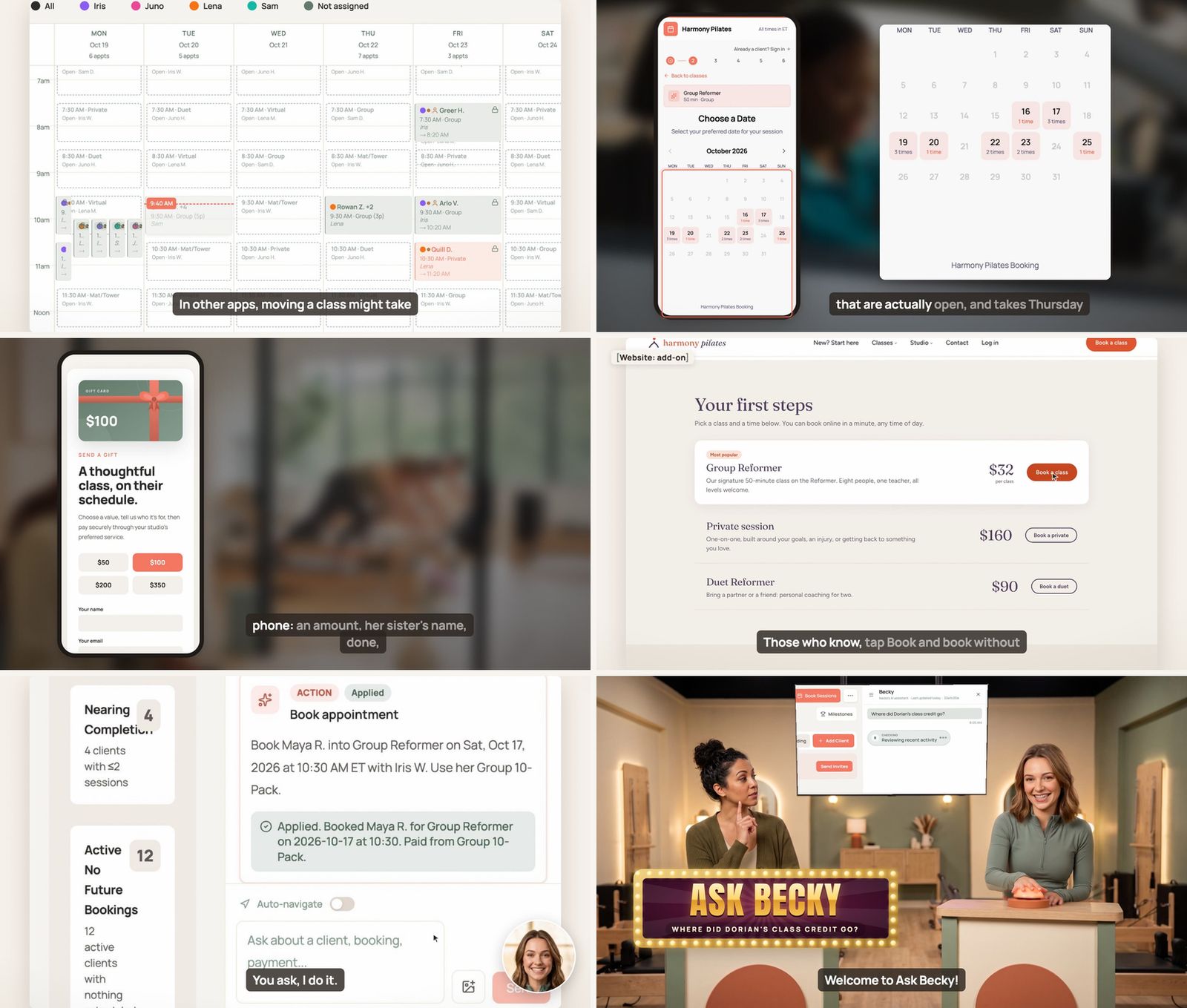
Drawn by code. Six moments from the film. The app recording is underneath; everything on top of it was drawn by Remotion.Becky meets the app. A lip-sync clip and an app recording, put together in code.
4Robot screen recordings: the biggest leap
Claude built a make-believe studio called "Harmony Pilates", with fictional clients, classes, payments and messages, in a private copy of the app. Then it wrote scenarios, like "a client asks to move her class", and a robot browser (Playwright) acted them out and recorded the screen. Each recording marks where every click happened, so the film can zoom to it at the right moment.
Two real-world surprises:
The app shows the real time. A morning scene recorded in the afternoon looked wrong, so two shots were recorded again at 7 AM.
The app keeps settings in a cache for 60 seconds. One recording timed out waiting for a change to appear. The fix: that scenario now saves through the settings API.
Raw recording. Four frames from one robot take, before any zoom or caption. Every name here is made up.
Section 2
The film checks itself
Claude doesn't just make the film. It checks it, frame by frame, and shows its work. These are the real check sheets.
1
Contact sheets
Every chapter is turned into a grid of frames, so a whole scene can be judged at a glance.
A contact sheet. One look shows whether a scene flows.The ending, frame by frame. "Coach, field guide, game show host": checked so the hard cuts never flash the empty stage.Becky's circle fading in, checked one frame at a time.
2
Frozen-face detector
Finds moments where Becky's face stops moving when she should look alive. In chapter 1 it flagged a still of 0.13 s against a limit of 0.12 s. On a closer look it was a smiling pause with her lips closed, so it was accepted.
3
Static-picture detector
Flags any stretch of 2 seconds or more where the picture doesn't change at all. A still screen is a dead screen.
4
Privacy scan
A machine reads the text on about 1,200 frames. The list of names it hunts for is built, read-only, from every real client's full name in production. If a real name ever shows up on screen, the check fails.
5
Click check
Every click has to land 0.25 s before the word that talks about it, give or take one frame.
6
Mac vs Linux pixel check
Chapters drawn on the cloud machine are compared with the Mac's version, pixel by pixel (SSIM and PSNR). If they don't match closely enough, the Mac's version is used.
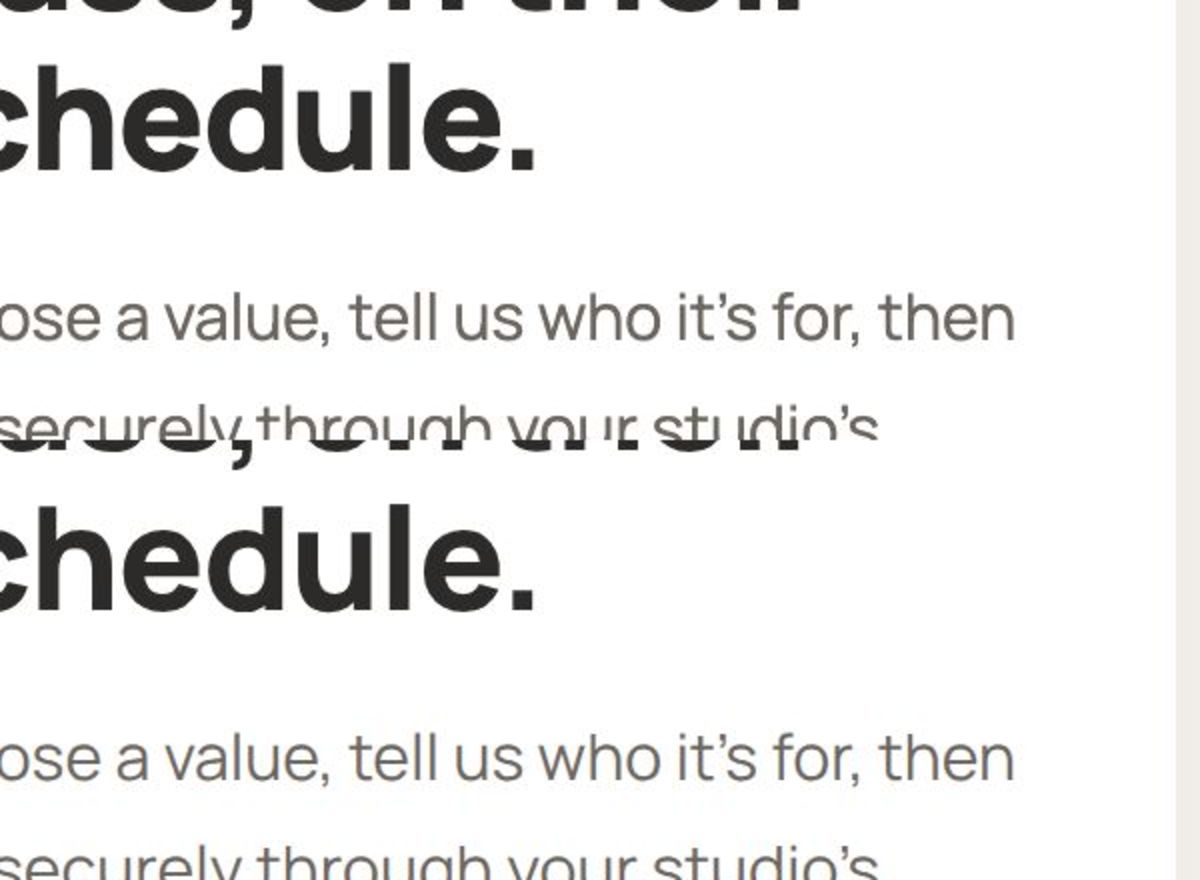
Same text, two machines. Linux draws fonts a little differently from a Mac. The check measures how much.
7
Measuring a hand wave
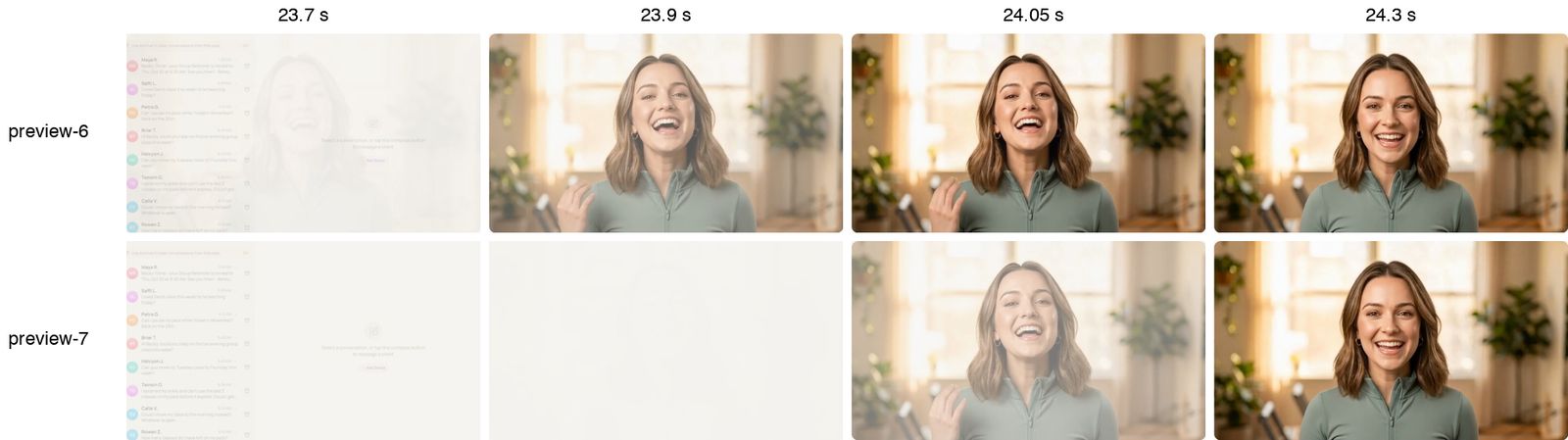
Becky's opening wave lasts from 0 to 0.25 s, and "I'm" starts at 0.07 s. A hard cut keeps both but jars; a slow fade hides the wave. The fix was a measured compromise fade.
Two fades compared at 23.7, 23.9, 24.05 and 24.3 s. In the top row the wave shows; in the bottom row it is lost in the fade.
Section 3
Two machines at once
The film was made on Amir's Mac and a Google Cloud machine (8 cores, 31 GB of memory) at the same time. The Mac runs the show; the cloud machine takes a share of the slow work.
3separate copies of the app and its database on the cloud machine
134 sto get all three copies ready
~5 sto reset a copy to the made-up studio before each take
~19 of 31 GBpeak memory, including everything else on that machine
Recording. The cloud machine records three shots at once while the Mac records a fourth. A shot there is slower (101 to 155 seconds, against 43 on the Mac), but four at a time wins.
Rendering. Chapters are split between the two machines, then compared pixel by pixel (see above). One chapter passed easily (SSIM 0.989, PSNR 33.8). The phone chapter fell short on PSNR, so the Mac's version was used.
The limit. The cores ran out before the memory did. The film's jobs have hard caps, so they can't slow down the other services on that machine.
Section 4
The director and the agent
Amir talks to a coordinator Claude. The coordinator turns his notes into tasks and hands them to a film agent, which fixes them and sends back a short preview. Amir never opens an editor.
Amir's note→gets an ID→sorted: fix / BYM / film / check→agent fixes it→short preview→Amir's OK
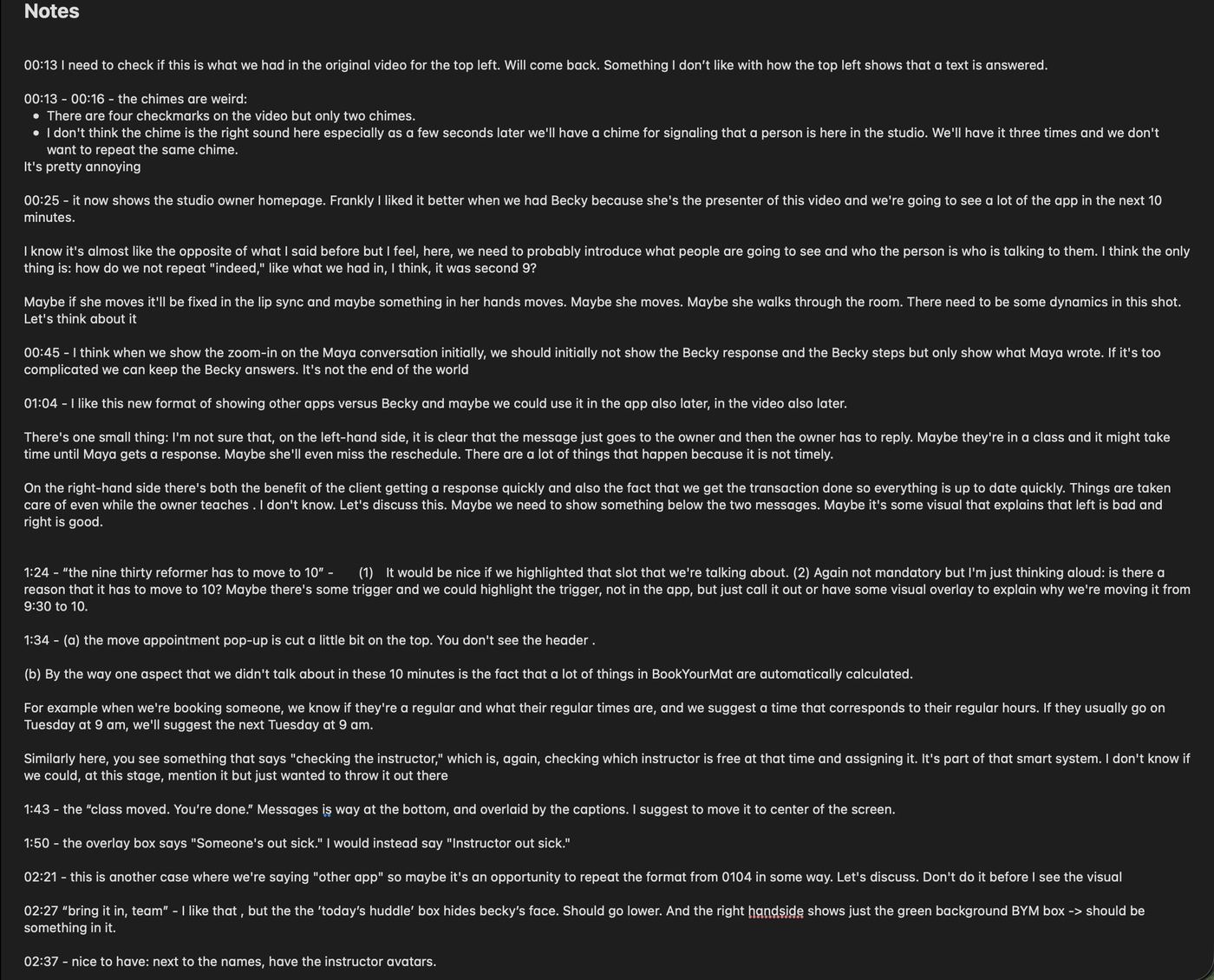
Real notes from one review round, written in Apple Notes while watching. Each time code became a numbered note.Same round, page two. The 05:19 note asks for a present on the gift card the recipient sees; the agent added the bow to the app. The pasted screenshot is the made-up Harmony Pilates studio.
At 0:08 the s in "the payments" is too sharp.
Note
One word, a harsh "s".
Fix
De-essing on that phrase only, then a preview of just those seconds.
"Costumes optional." looks frozen, and the sound cuts off.
Causes
Three at once: the take was nearly still in that pause; her breath dropped straight to digital silence; and the preview was resampled from 30 to 25 fps, which repeated every 5th frame.
Fix
A 100 ms fade on the voice, the cut moved 0.2 s onto live frames, and previews now cut at 30 fps.
The three cards flash by too fast.
Cause
"the rest off your plate" lasts only 1.06 s, too short for three cards.
Fix
The flashes now start earlier, on "me", so each card gets its moment.
She has a double forehead.
Cause
Lip-sync ran on a crop of her face, and the crop showed at the seam.
Fix
Lip-sync on the whole frame instead of a face crop.
The ending shot where the face-crop seam showed up. It was redone with whole-frame lip-sync.
Write it downEvery cut is watched second by second. One round produced about 70 notes, each with an ID and a time code.
Sort itA one-off fix, a rule for BookYourMat, a rule for any film, or a new automatic check, so it can't come back.
Fix it where it startsWording goes back to the script. "This screen looks bare" goes to the app or the made-up data. Timing goes to the chapter plan.
Prove it on a draftOnly the changed chapters are rendered again, at half size, in minutes. The full film is rendered at full quality once, at the end.
LessonThe first 40-second opening took one AI agent 2 h 18 min: mostly thinking step by step, plus six full re-renders, each to check one small fix. After that, the work was split across parallel agents (the engine, the made-up studio, the script), with quick drafts for every check and one final render.
Section 5
What it cost
Rendering and recording ran on our own machines, so they cost nothing extra. The rest was time: the script, several rounds of notes, and many frame checks.
Item
Cost
Lip-sync, including the first tries
$46
AI video clips (Google Veo)
$30
Voice for about 119 lines, plus every re-take
$3
One month of an ElevenLabs plan (for the hand-made lip-sync)